Furniture Marketing 101: Building a Strategy to Increase Sales
Learn furniture marketing strategies like social media and email, with EZ Process Pro supporting you with inventory tracking and sales management tools!
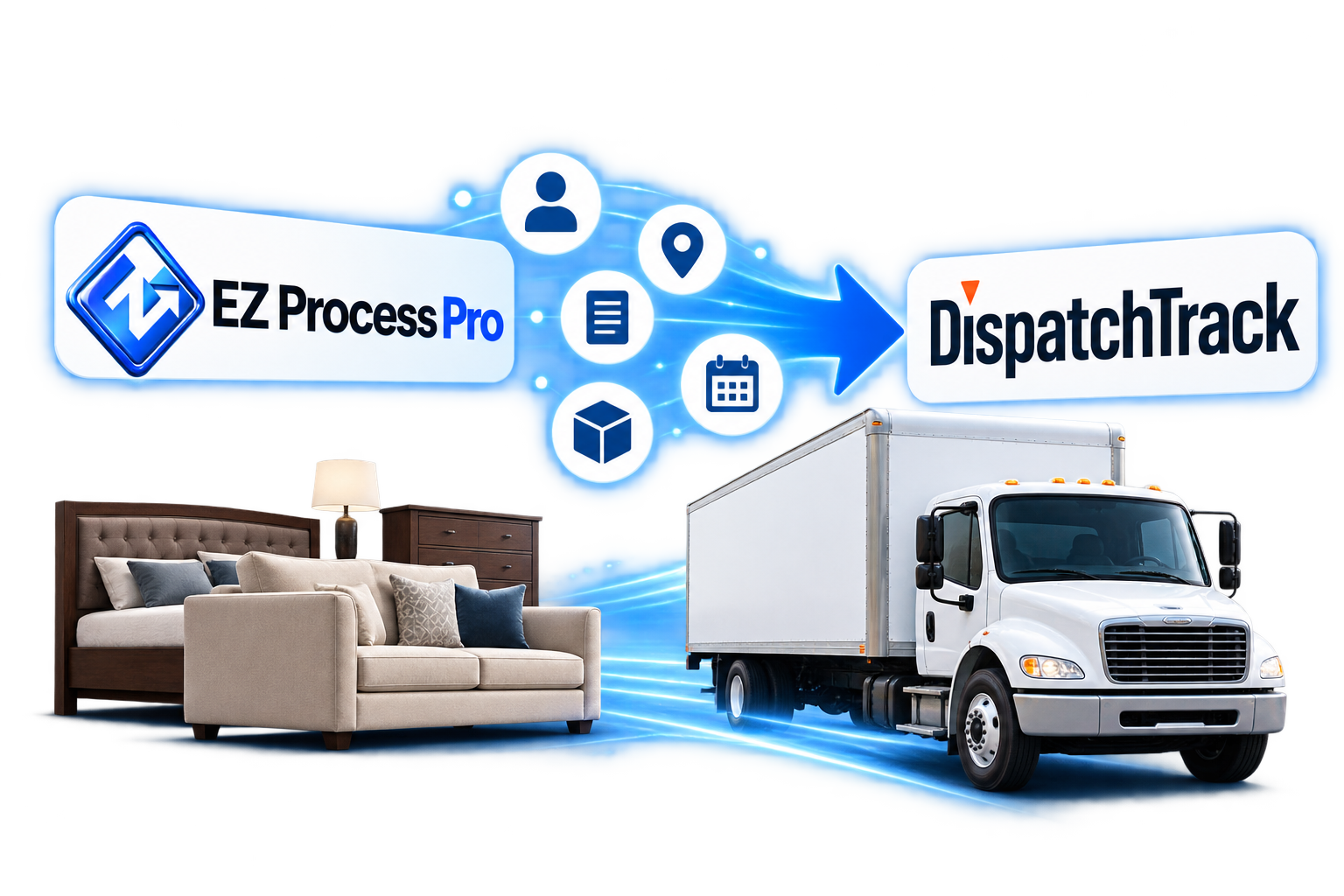
The EZ Process Pro DispatchTrack integration sends your delivery, backorder, and pickup memos straight to DispatchTrack. Customer details, addresses, instructions, dates, and items all come across automatically, so your team never enters the same order twice.
Book Your Discovery CallThe DispatchTrack integration is a feature of EZ Process Pro, the cloud based POS and ERP platform for independent furniture and mattress retailers. It connects EZ Process Pro to your DispatchTrack account so delivery, backorder, and pickup memos can be sent with one click. The customer's name, email, phone, address, memo type, instructions, memo and sale numbers, requested date, and selected items transfer automatically. The connection is one way, sending information from EZ Process Pro to DispatchTrack.
Delivery, backorder, and pickup memos all send to DispatchTrack.
A Send to DispatchTrack button appears right on the memo.
Customer, address, date, and item details transfer automatically.
When your team creates a memo in EZ Process Pro, a Send to DispatchTrack button appears right there. One click sends the order to your DispatchTrack account, ready for your dispatch team to schedule.
All three memo types can be sent to DispatchTrack. The memo type comes across as the service type, so your drivers and dispatchers know exactly what kind of stop each order is.
The customer's name, email, phone, and full address, including apartment number, transfer automatically. Delivery instructions come across too, along with the memo number and sale number so every stop ties back to the original sale.
The items you choose on the memo are sent as the service order items, and the memo's ETA is sent as the requested date. Your delivery team gets an accurate order to plan around, without anyone copying details from one screen to another.
Orders are entered once in EZ Process Pro. There is no retyping customer details or item lists into a second system.
Addresses, phone numbers, and items come straight from the memo, cutting down on typos that lead to missed or wrong deliveries.
Orders reach your dispatch team the moment the memo is created, so deliveries can be scheduled sooner.
Every memo carries the details your delivery team needs to schedule and complete the stop.

Name, email, and home phone for every customer.
Street, apartment, city, state, and zip.
Delivery, backorder, or pickup, based on the memo type.
Delivery notes from the memo carried into the service order details.
The memo number and sale number, so every stop traces back to the sale.
The memo's ETA as the requested date, plus the items selected on the memo.
Connect EZ Process Pro to DispatchTrack and send every delivery, backorder, and pickup with a single click. See how it fits into your delivery workflow.
Here is exactly where each piece of memo information lands in DispatchTrack.
| EZ Process Pro | DispatchTrack |
|---|---|
| Customer First Name, Last Name | Name |
| Customer Email | |
| Address (Street) | Address 1 |
| Apt | Address 2 |
| City | City |
| State | State |
| Zip | Zip |
| Tel (home) | Phone |
| Memo Type | Service Type |
| Instructions | Service Order Detail |
| Memo Number | Additional Field 1 |
| Sale Number | Service Order # |
| ETA | Requested |
| Items selected on the memo | Service Order Items |
The connection is one way. Information is sent from EZ Process Pro to DispatchTrack, and items are included based on what is selected on the memo, not on reservation status.
I would recommend this software to most any company. In a company like mine, you get in the habit of doing things the same way you always have, and it will lead to your demise. Now we are more organized in my 100-year-old company than we have ever been. The software saves me a ton of money. If you are unsure about the future in this industry or market, I would say EZ Process Pro is a step in the right direction.

I have had the opportunity to work with and use many management systems. When I found EZ Process Pro, I was blown away with the structure and logical processes. The system does it all. The level of reporting and integrated partners make this software the best manager of success my business has ever seen. I would recommend it to furniture retailers that are looking for an all-in-one solution.

Learn furniture marketing strategies like social media and email, with EZ Process Pro supporting you with inventory tracking and sales management tools!
Within 30 minutes of posting my article, I was asked how to compete with lowballing local stores and online giants like Amazon-let's explore how to prevent and handle this.
Discover what cloud ERP is, how it works, and its key benefits. Learn about features like real-time inventory tracking, e-commerce integration, and scalability.
Upgrading your business is a big commitment. We get it. Join our mailing list, and we will send you some ideas on how to take steps forward anyway. We want to help.
 EZ Process Pro
EZ Process Pro enables growth minded furniture store owners to add money to their bank accounts, and meaning to their lives.